Days since counter
 LastTap Team
The people who make LastTap
Short answer
Pick the date it last happened. The counter shows how many days ago that was, plus weeks, the years-months-days breakdown and hours. Save the ones you check often, or copy the link: it opens straight to the same count. Nothing leaves your browser.
0 days since
Saved counters stay in this browser only. Tap one to load it.
How the count works
It counts calendar days between the date you pick and today, in your device's time zone. Yesterday is 1 day. The day you pick isn't counted, so 1 March to 31 March is 30 days. The years-months-days line counts whole calendar months, so 31 January to 28 February is 0 months and 28 days.
| Date picked | Today | Days since |
|---|---|---|
| Yesterday | Today | 1 |
| 1 March | 31 March | 30 |
| 29 October 2025 | 29 October 2026 | 365 |
Things people count
- Home: changed the bed sheets, cleaned the fridge, descaled the kettle, defrosted the freezer.
- Car and bike: topped up the tyres, washed the car, oiled the chain.
- Plants and pets: watered the fern, changed the litter, gave the flea treatment.
- You: last haircut, last call home, last day off.
A web counter is good for one date you look up. For things you redo again and again, the count has to reset each time, which is where a page stops being handy. How to keep track of when you last did something compares notes, spreadsheets and apps.
A counter that resets with one tap
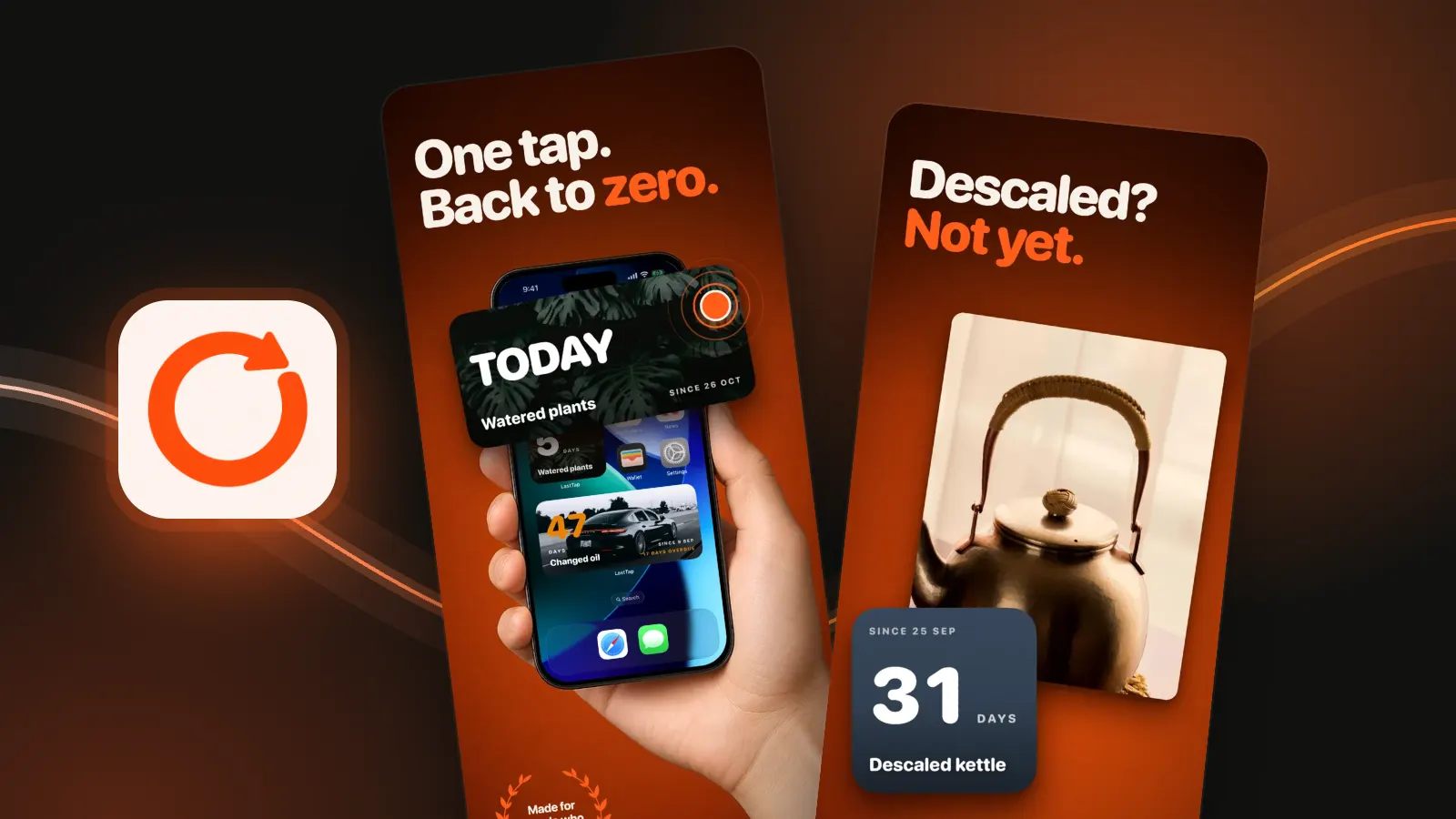
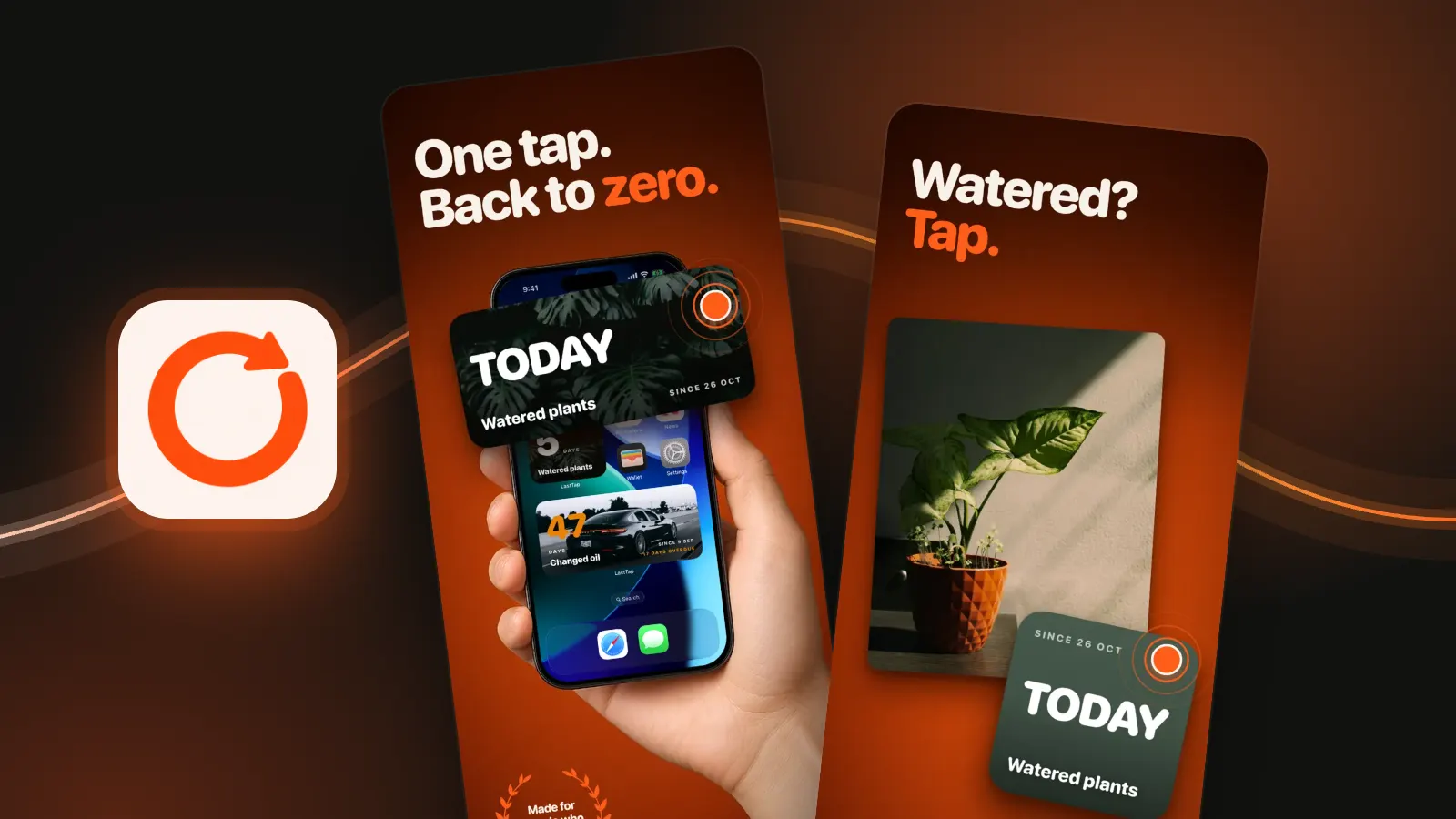
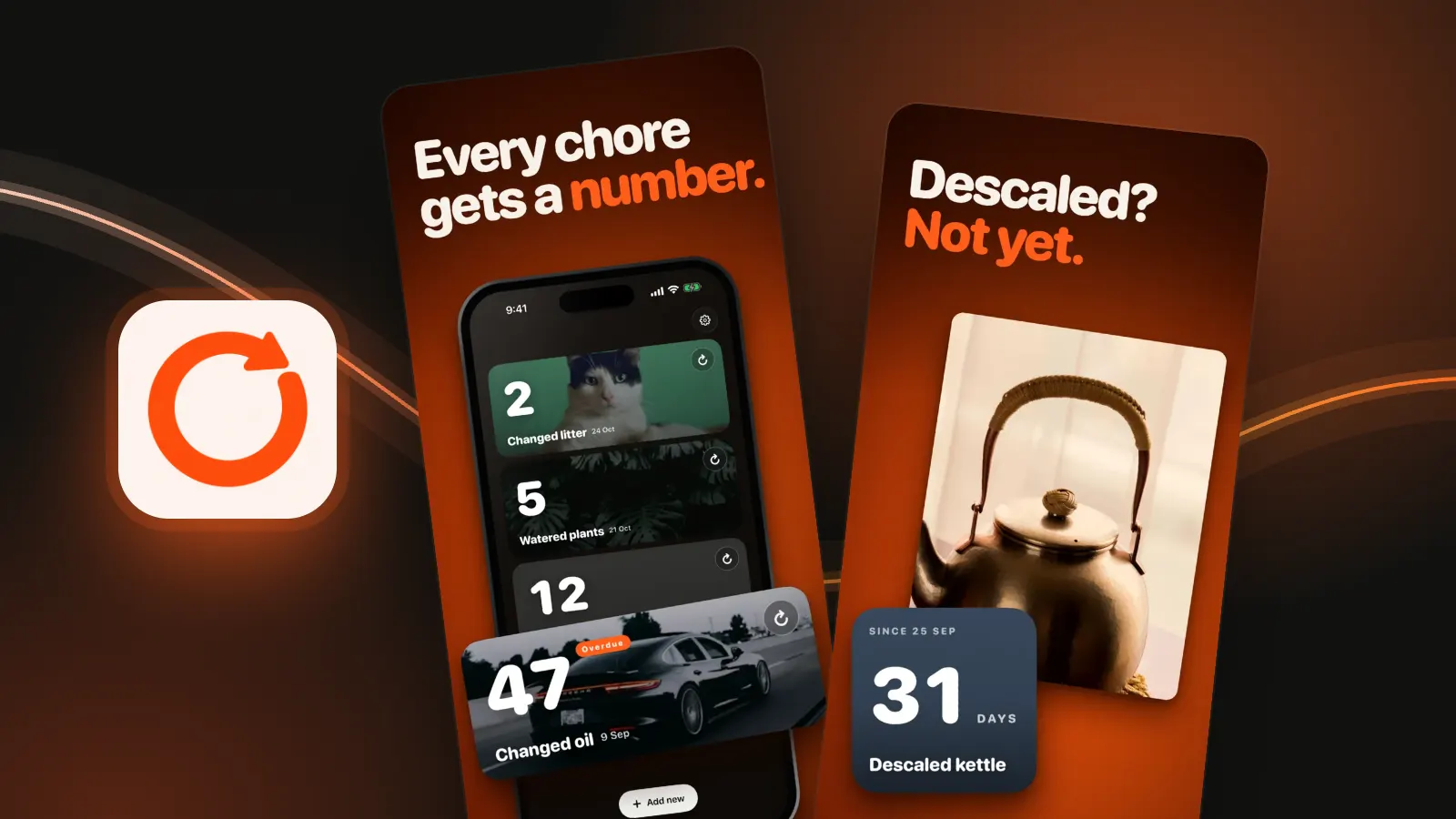
We make LastTap, so read this with that in mind. It is this counter on your iPhone Home Screen: one widget per thing, and you tap the widget when you do it again. The count goes back to zero without opening the app. Three events are free, with widgets and reminders. How to put a days-since widget on your iPhone. Keeping track of jobs around the house? Try the home maintenance tracker.
Questions people ask
How do I count the days since a date?
Subtract the date from today in calendar days. The counter above does it: pick the date and it shows the days, weeks, years-months-days and hours since.
Does the count include the start date?
No. Yesterday counts as 1 day, so 1 March to 31 March is 30 days. Add 1 if you want to count both ends.
Can I share a days-since counter?
Yes. The link under the count opens this page with the same date and label filled in, so anyone with it sees the live number.
Is there a days since counter widget for iPhone?
Yes. LastTap puts one event per widget on your Home Screen or Lock Screen and resets when you tap it. Other last-time apps have widgets too, some only in paid tiers.