How to keep track of when you last did something.
 LastTap Team
The people who make LastTap
Short answer
Write the date down every time you do the thing, in one place you'll actually look. That's the whole method. The four easy places: a note on your phone, your calendar, a spreadsheet with a days-since formula, or a last time tracker app. The best one is whichever takes least effort right after you finish the job.
In this post
1. A note on your phone
Make one note called Last done. One line per task, with a date: Sheets: 12 Oct. When you do it again, change the date.
- Good: free, already on your phone, a minute to set up.
- Not so good: you work out the days yourself, nothing reminds you, and it's easy to forget to update.
2. Your calendar
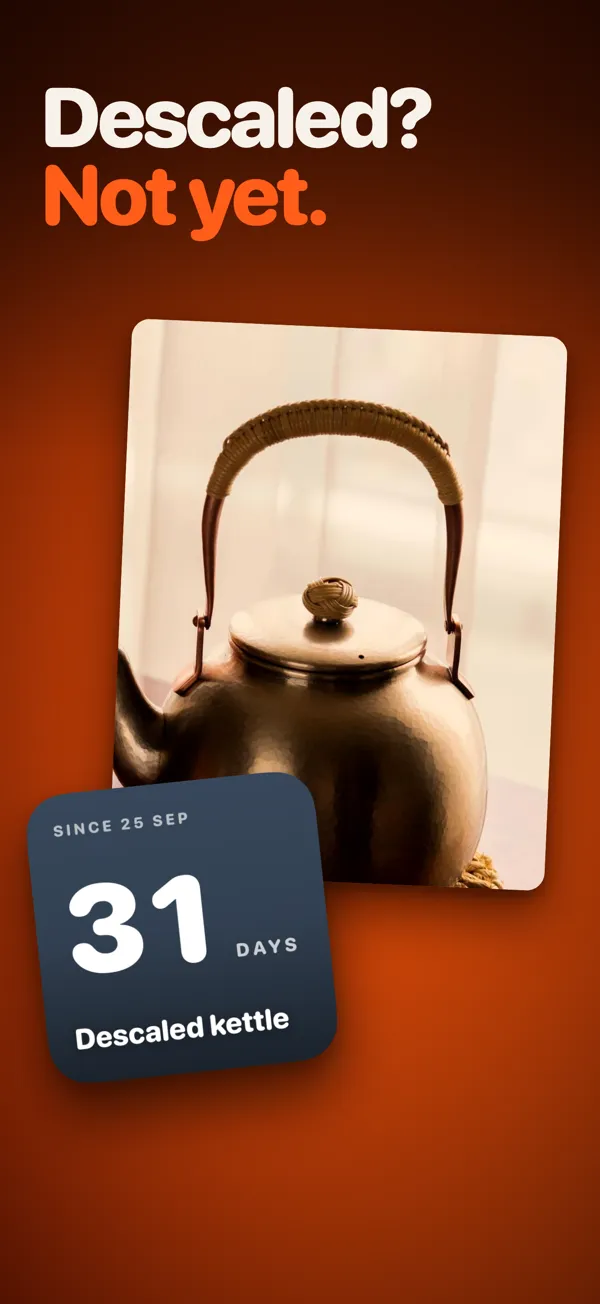
After the task, add an all-day event on today's date: Descaled kettle. To find the last time, search the calendar.
- Good: a full history that syncs wherever your calendar does.
- Not so good: it clutters the calendar, and you have to search for the answer.
3. A spreadsheet with a days-since formula
Column A: the task. Column B: the date you last did it. Column C: =TODAY()-B2, which gives the days since. Sort by column C to see what's been longest. It works the same in Excel, Google Sheets and Numbers.
- Good: free, flexible, add any column you like.
- Not so good: opening a spreadsheet on your phone to type a date is exactly the kind of chore you'll skip.
4. A last time tracker app
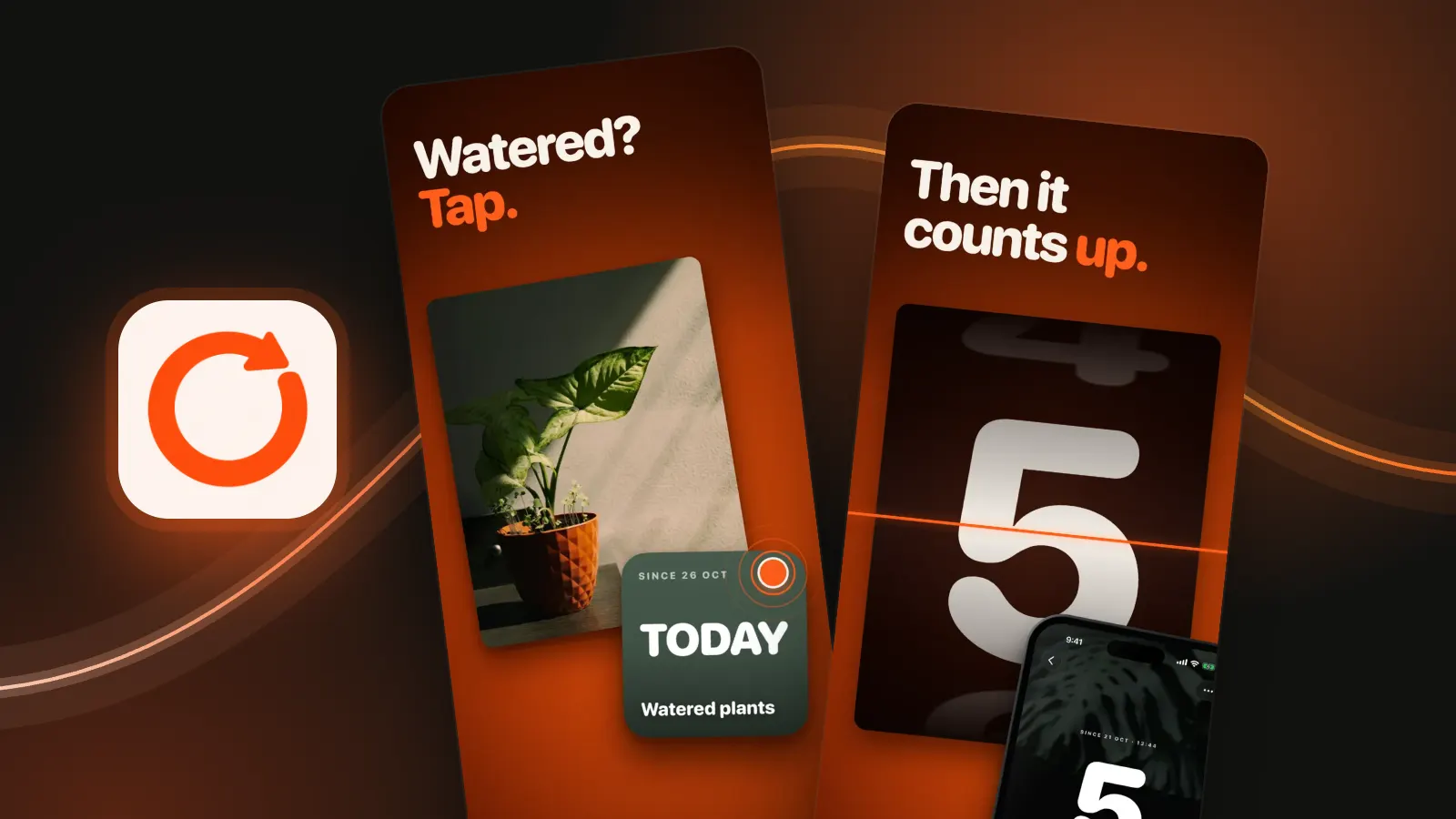
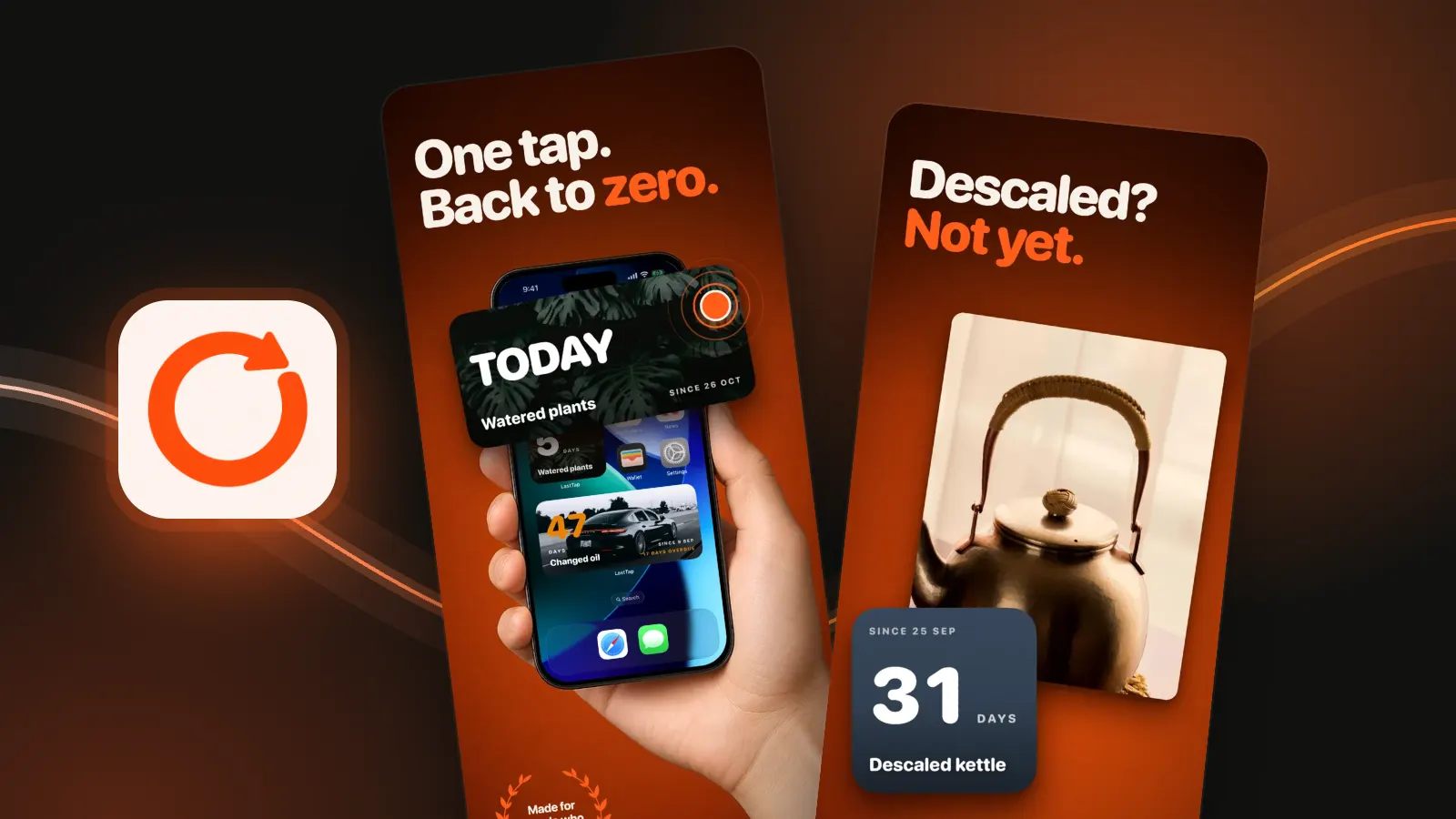
Apps built for this count the days for you and log with one tap. In LastTap you add a task, put its widget on your Home Screen and tap the widget when you do it. The count resets to zero without the app opening. You can ask for one reminder after a week, two weeks or a month. Three events are free forever.

- Good: the answer is on your Home Screen, logging is one tap, it can remind you.
- Not so good: it's another app. For one or two things, a note is fine.
There are several apps like this. We compared six in Last time tracker apps compared.
Which method for which job
| Method | Effort to log | Shows days since | Reminds you |
|---|---|---|---|
| Phone note | Open note, edit date | No, you count | No |
| Calendar | Add an event | No, you search | Only if you add one |
| Spreadsheet | Open sheet, type date | Yes, with =TODAY()-B2 | No |
| Last time tracker app | One tap | Yes | Yes, optional |
Tips that make any method stick
- Log right after you finish. Not later. Later never comes.
- One place only. Two lists means neither is right.
- Start with what you argue about. When the sheets were changed. When the dog had its flea treatment.
- Write the real date. Forgot to log on the day? Put the day you actually did it.
Questions people ask
What's the easiest way to remember when I last did something?
Write the date in one place each time you do it. A phone note works for a few things. For more, a last time tracker app like LastTap counts the days for you and logs with one tap on a Home Screen widget.
How do I count days since a date in a spreadsheet?
Put the date in B2 and use =TODAY()-B2 in another cell. It shows the days since and updates every day. Sort by that column to see what's been longest.
Is there an app that shows how many days since I last did something?
Yes. LastTap shows the days since each event on a Home Screen widget, and tapping the widget resets it to zero. Others include Last Time, When The Last Time, Wheneri, LastTrack and Last Time Tracker.
LastTap features from the app and its UK App Store listing, checked 28 October 2026.