LastTap: last time tracker for iPhone. Tap to reset.
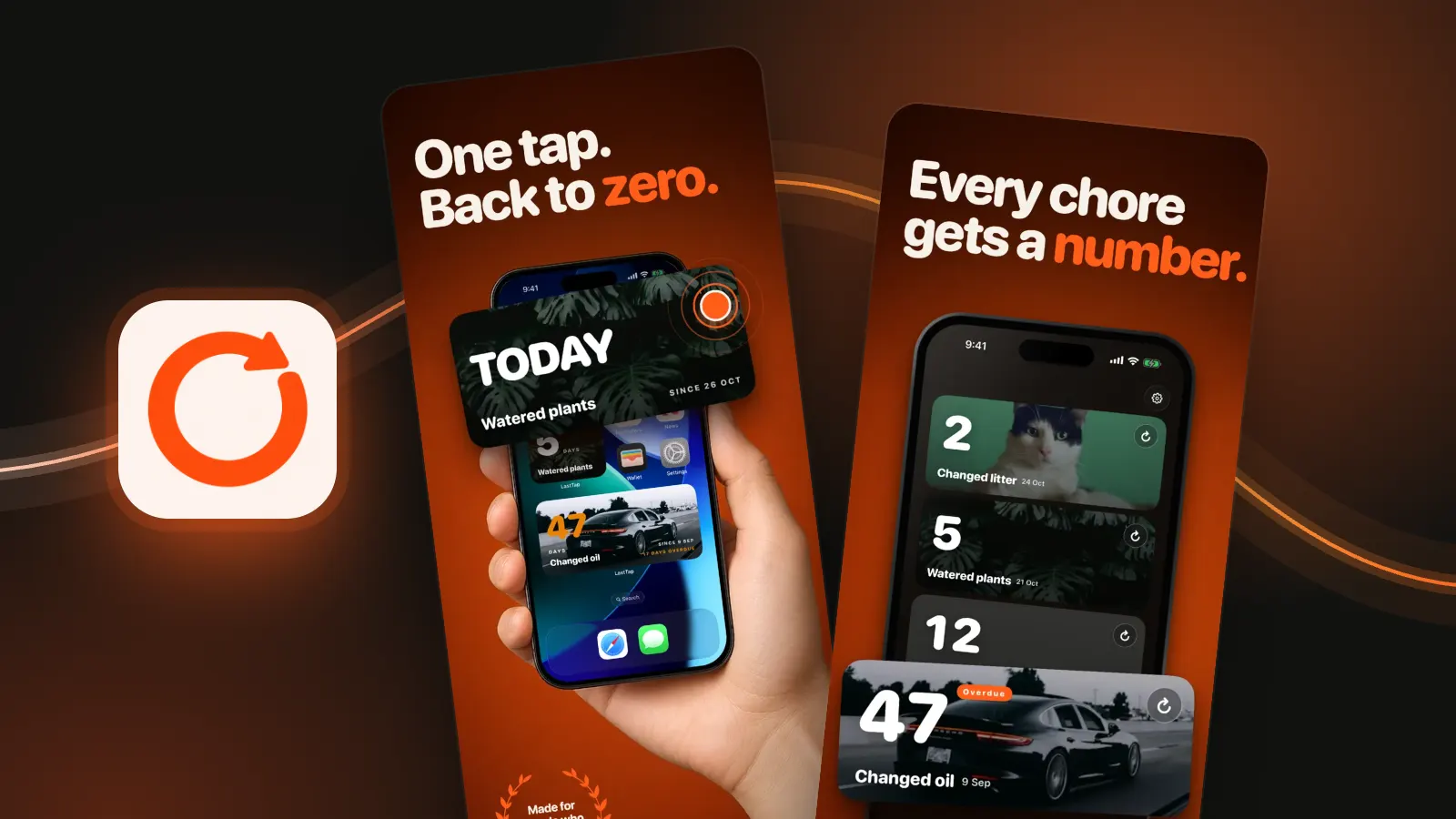
The last time you did anything, on your Home Screen. Water the plants, tap the widget, the counter goes back to zero. No app to open.

On a computer? Scan with your iPhone camera.


Widget counter for iPhone Reset from the Home Screen
Small and medium widgets you can tap. One tap resets the count and you carry on. Each widget can follow a different event, and there are Lock Screen widgets too.

Last done app Know how long it's been
Open an event and the number fills the screen. When it was last done, down to the minute, and how many times you've reset it. No digging through notes or old messages.

One tap, back to zero Start over in one tap
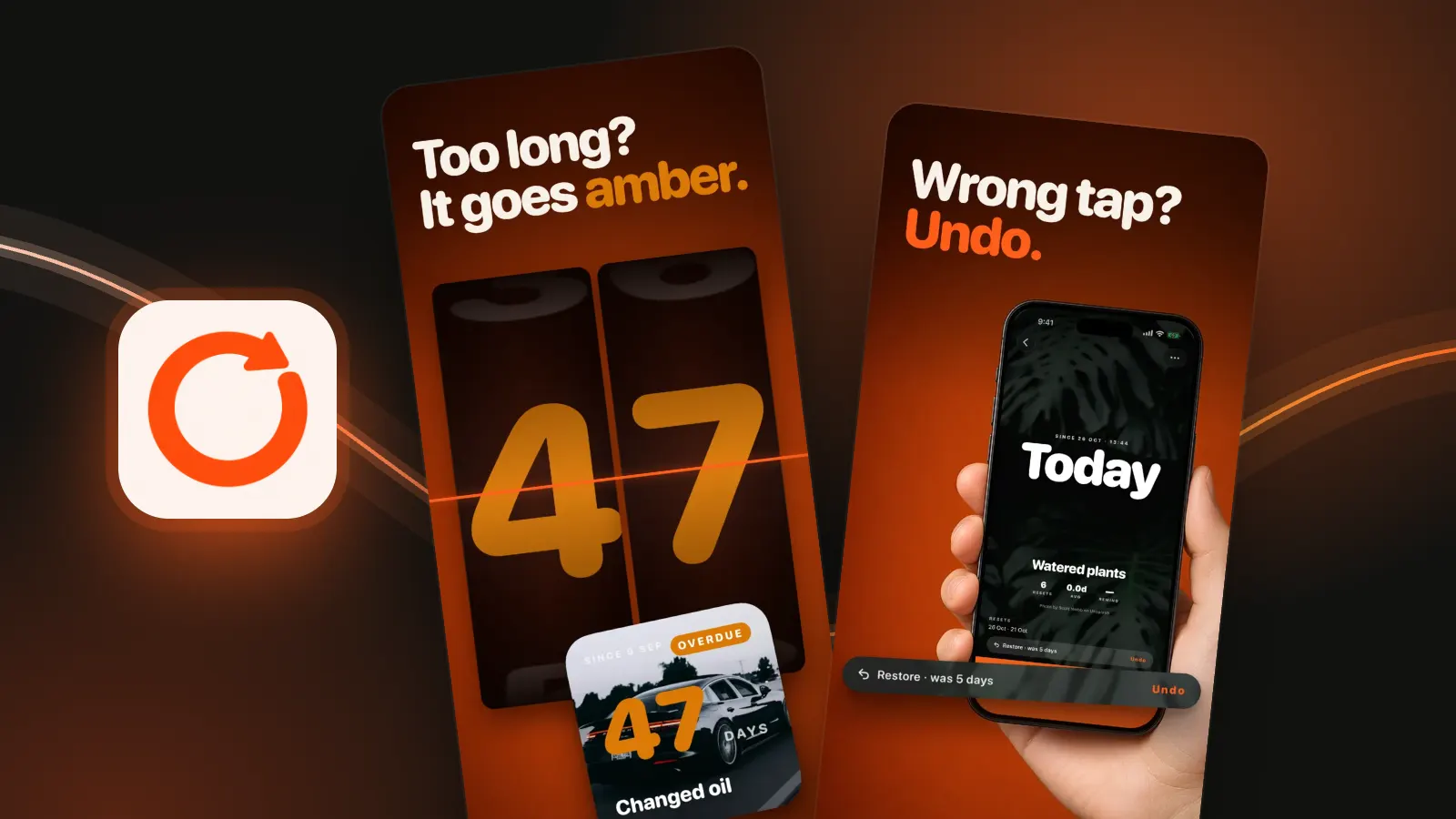
Did it again? Reset to zero from the event or the widget. Tapped by mistake? The Restore pill puts the old count back, even after a widget tap.


Home maintenance tracker Catch what's overdue
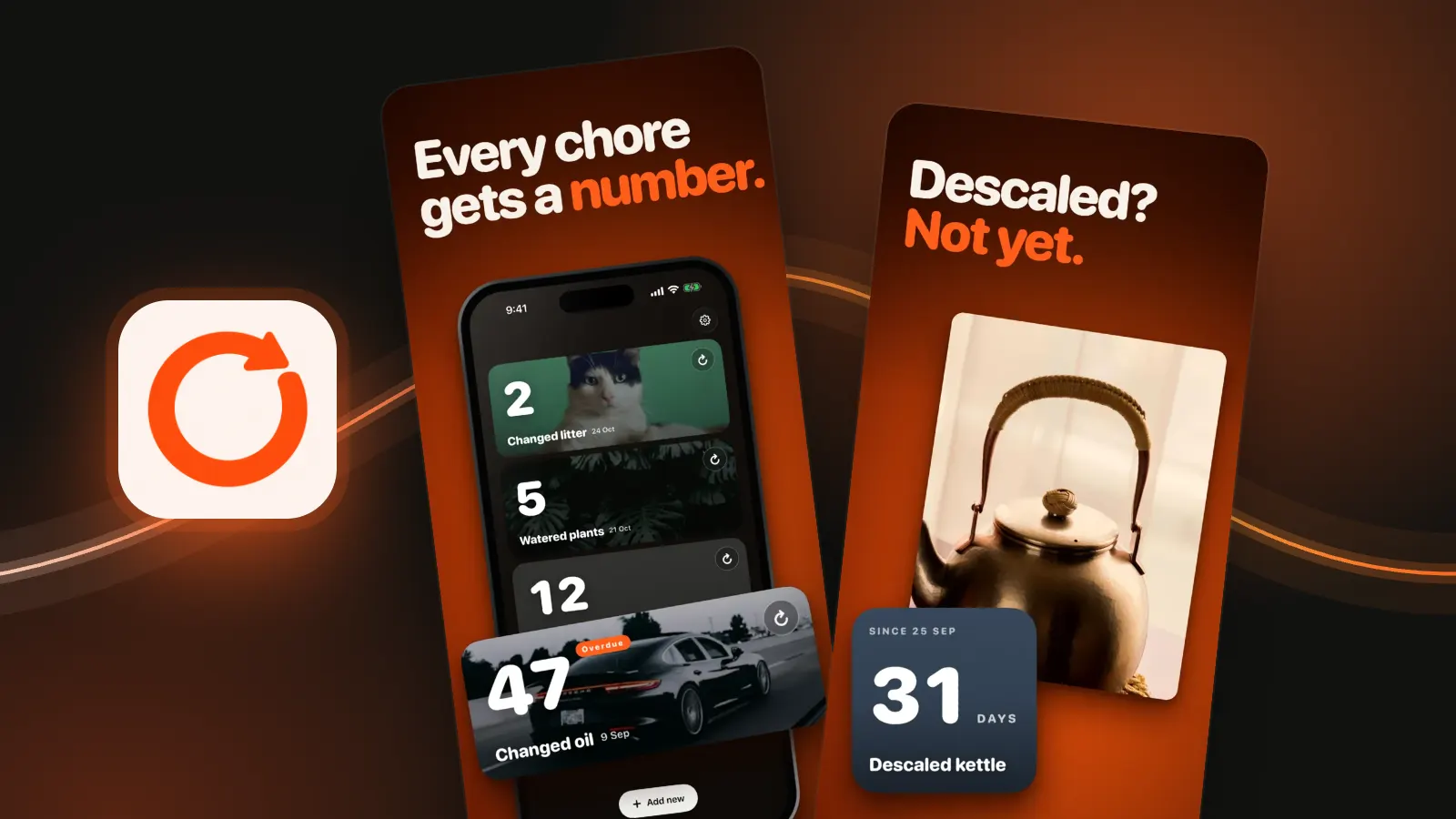
Set how long is too long. Oil every 30 days, filters, gutters, the kettle. LastTap sends a reminder when it's been that long, and the card and widget turn Overdue until you reset it.


Plants, pets, meds, the car Make every card yours
Give each event a photo you took, a free Unsplash photo, or a plain colour. The same picture shows on its widget, so you know which is which at a glance.
- Your library
- Unsplash
- Colours

Chore tracker app for adults Pay once
- Three events free, foreverNot a trial. Need more? One payment gets you the rest. No subscription.
- iCloud syncThrough your own iCloud. Turn it off in Settings any time.
- Lock Screen widgetsRound and rectangular, next to the clock.
- Reset historyEvery reset is kept, so you can see the rhythm.
- Pick an app iconHi-vis orange, navy, sage, graphite and more.
- No account. No ads. No tracking.LastTap has no server. Your events stay on your iPhone. Read the privacy policy.
Days since app The last time I did it?
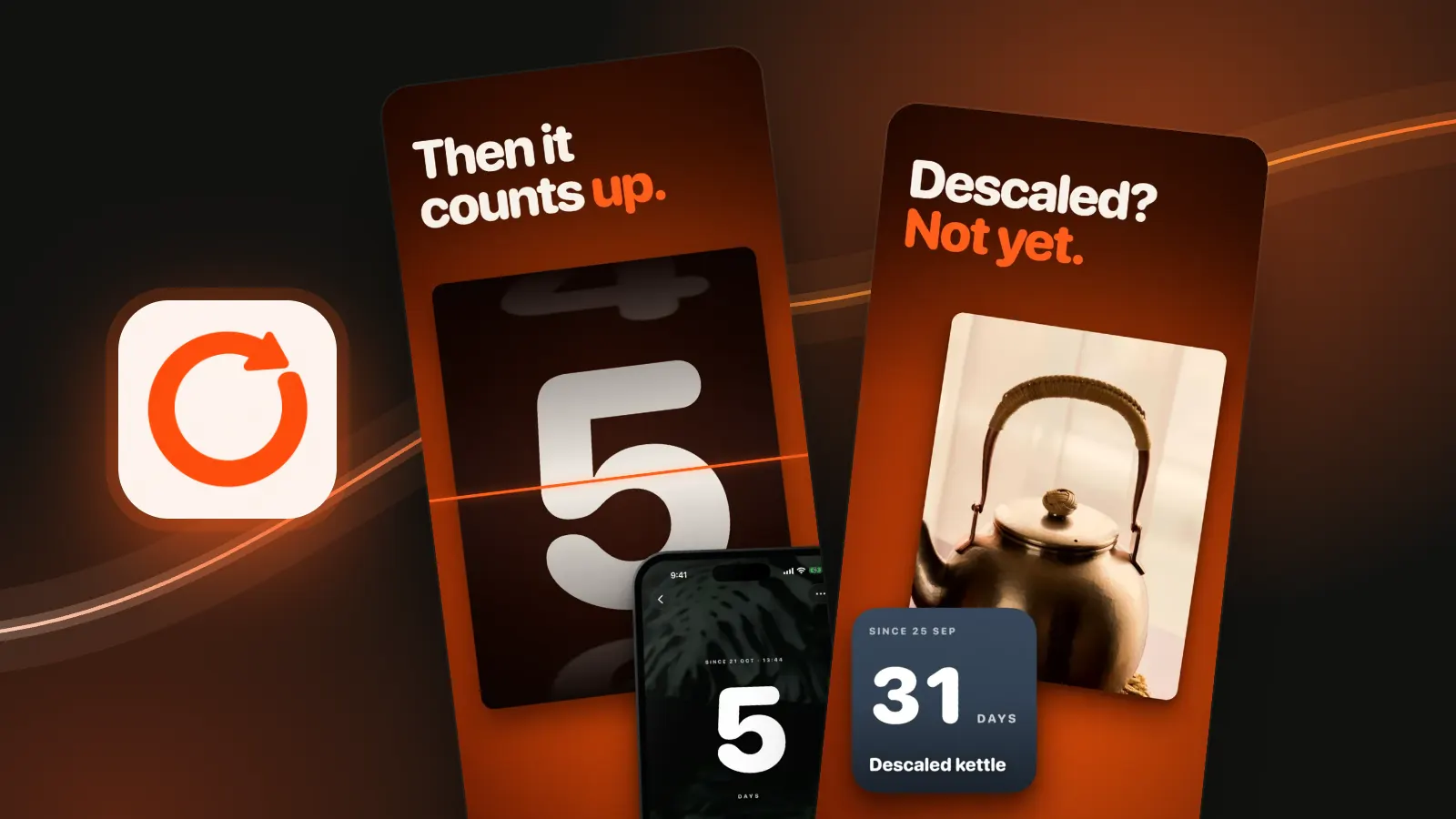
That's the one question LastTap answers. Call it a last time tracker, a "last time I did" app or a days since counter. It works the same way: name the thing, tap the widget when you do it, and it counts up from zero. On the day you tap it shows Today, after that the number of days. Open the event for the exact date and time.
It counts up, not down. There are no countdowns to a future date, no goals and no daily habit check-ins. If you want to know how long it has been since you last cleaned the oven, called your mum or swapped your contact lenses, that's what it's for.
Questions Ask anything
How do I track the last time I did something?
Add an event in LastTap, like Watered plants or Changed oil, and put the widget on your Home Screen. The counter shows how long it has been. When you do the thing again, tap the widget and the counter resets to zero.
Can I reset the counter from the Home Screen widget?
Yes. LastTap uses interactive widgets, so one tap on a small or medium widget resets it without opening the app. Each widget can follow a different event: touch and hold, Edit Widget, then pick one. Interactive widgets need iOS 17 or later.
Is there a chore tracker app for adults with no subscription?
LastTap is free to download and three events are free forever. If you want more, one payment gets you the rest. There is no subscription and no ads.
Can LastTap remind me when something is overdue?
Yes. When you add an event you can set how long is too long. LastTap sends a local notification when it has been that long, and the card and widget show Overdue until you reset it.
What can I track with LastTap?
Anything you do every so often and forget when: watering plants, changing the litter, replacing an air filter, an oil change, descaling the kettle, washing the sheets or taking meds. You name the event, so it can be anything.
What if I tap the widget by accident?
Open the event in LastTap. A Restore pill shows what the count was before the last reset, and one tap puts it back.
Does LastTap sync between devices?
Yes. LastTap syncs your events through your own iCloud account. Rather not? Turn off iCloud sync in Settings and everything stays on your iPhone.
Do I need an account? Does LastTap collect my data?
No account, no ads, no analytics and no tracking. LastTap has no server. Your events stay on your iPhone and in your own iCloud, and you can turn sync off.
Never forget the when
On a computer? Scan with your iPhone camera.
Free on the App Store. iPhone, iOS 17 or later.