Days since counter widget on iPhone
 LastTap Team
The people who make LastTap
Short answer
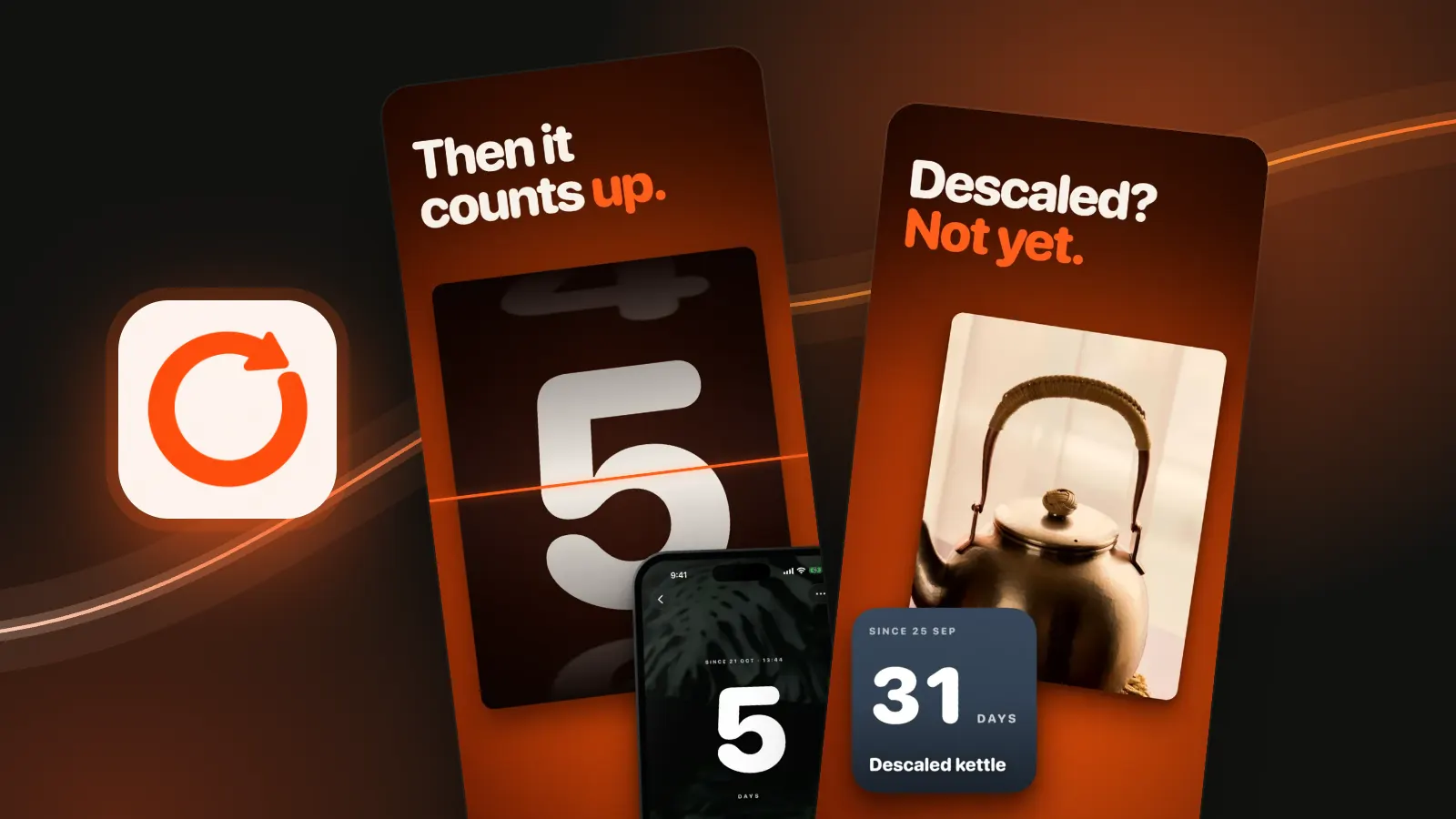
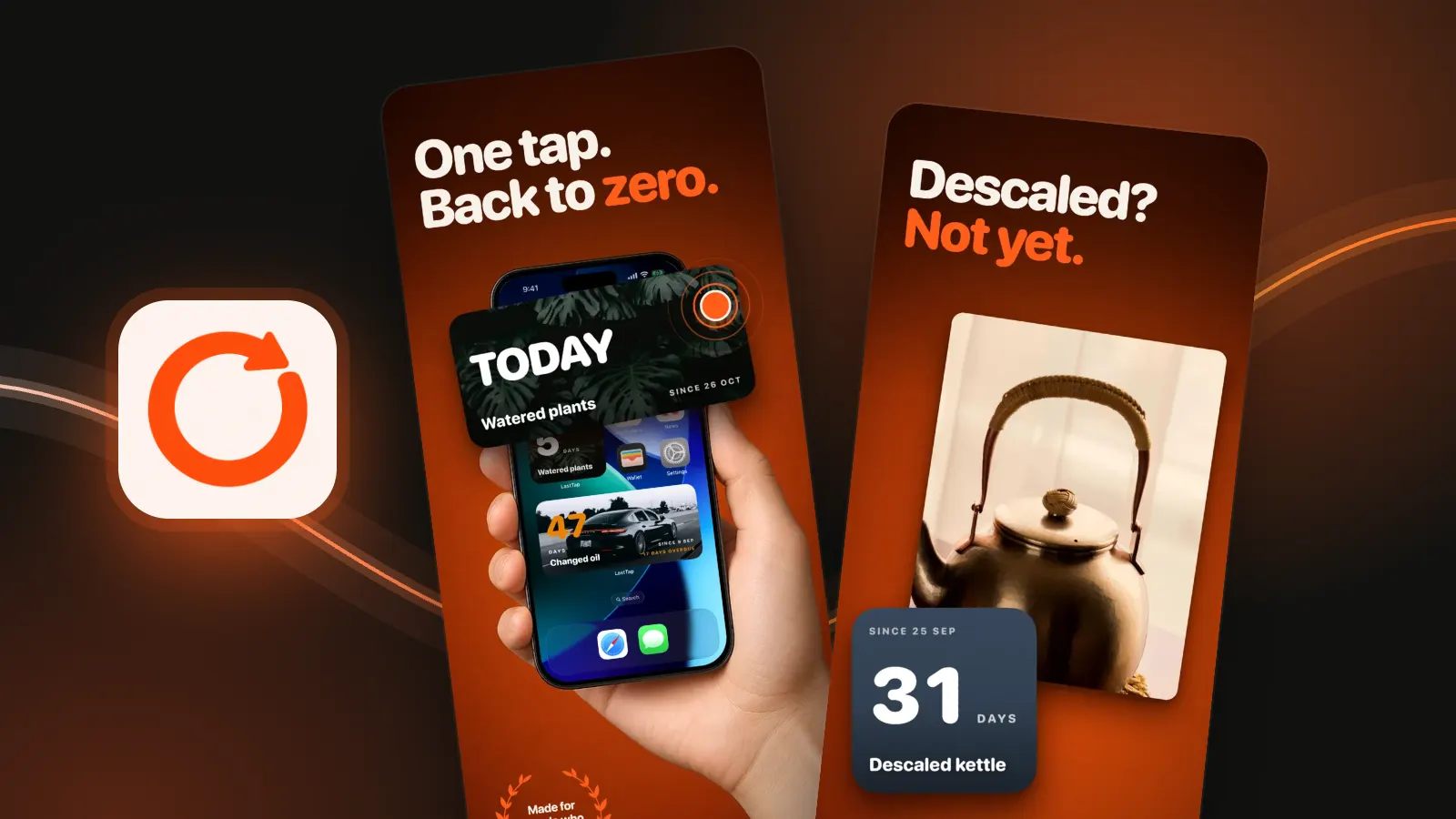
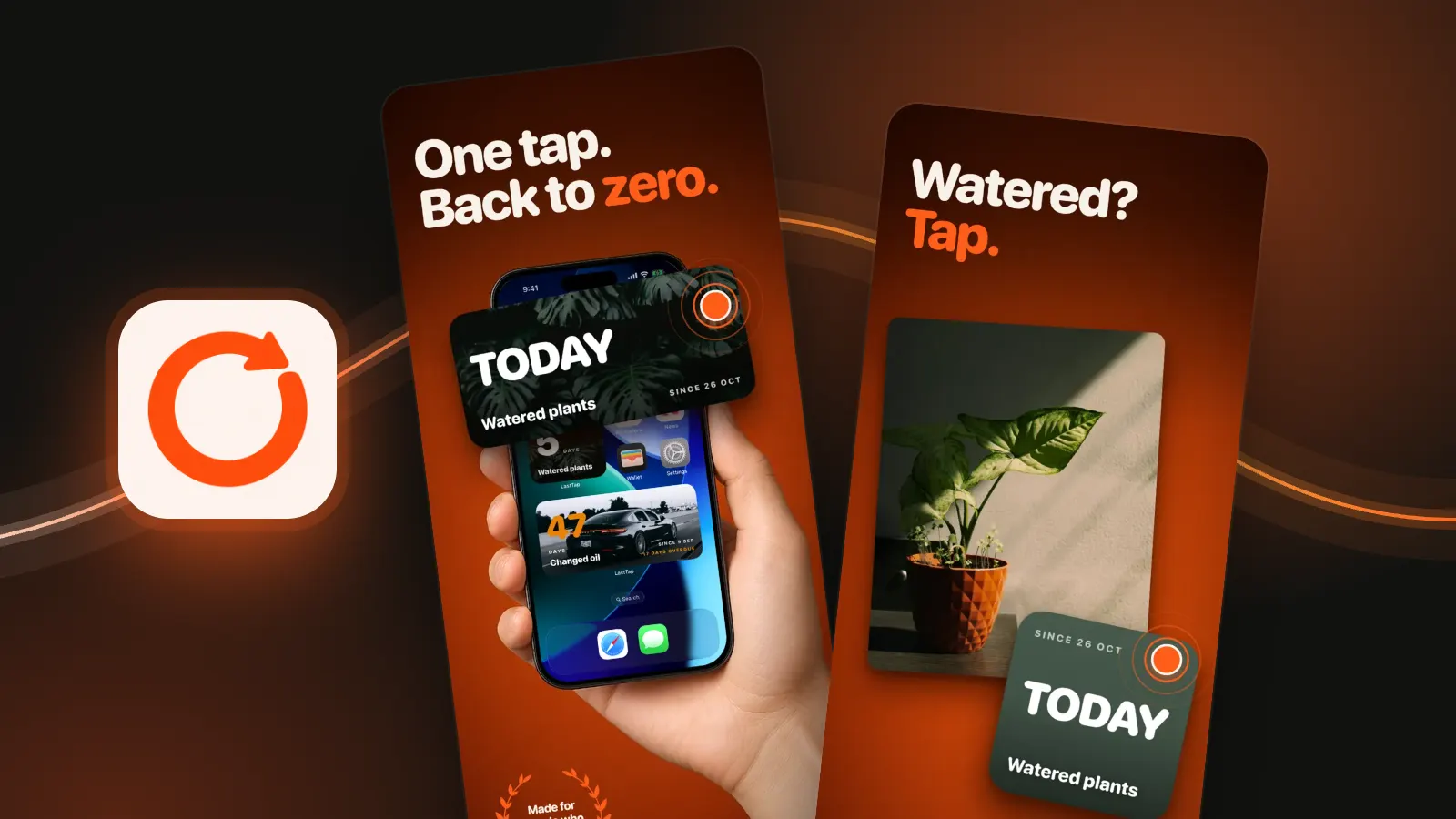
Install a counter app with widgets, add one event, then touch and hold your Home Screen, tap Edit, Add Widget, pick the app and a size, and tap Done. With LastTap, touch and hold the widget to choose which event it shows; tapping it resets the count to zero.
In this post
Add the widget to your Home Screen
Apple's steps, for any app's widget:
- Touch and hold a widget or an empty area of the Home Screen until the apps jiggle.
- Tap Edit in the upper-left corner.
- Tap Add Widget.
- Pick the app, choose a size, then tap Add Widget.
- Tap Done.
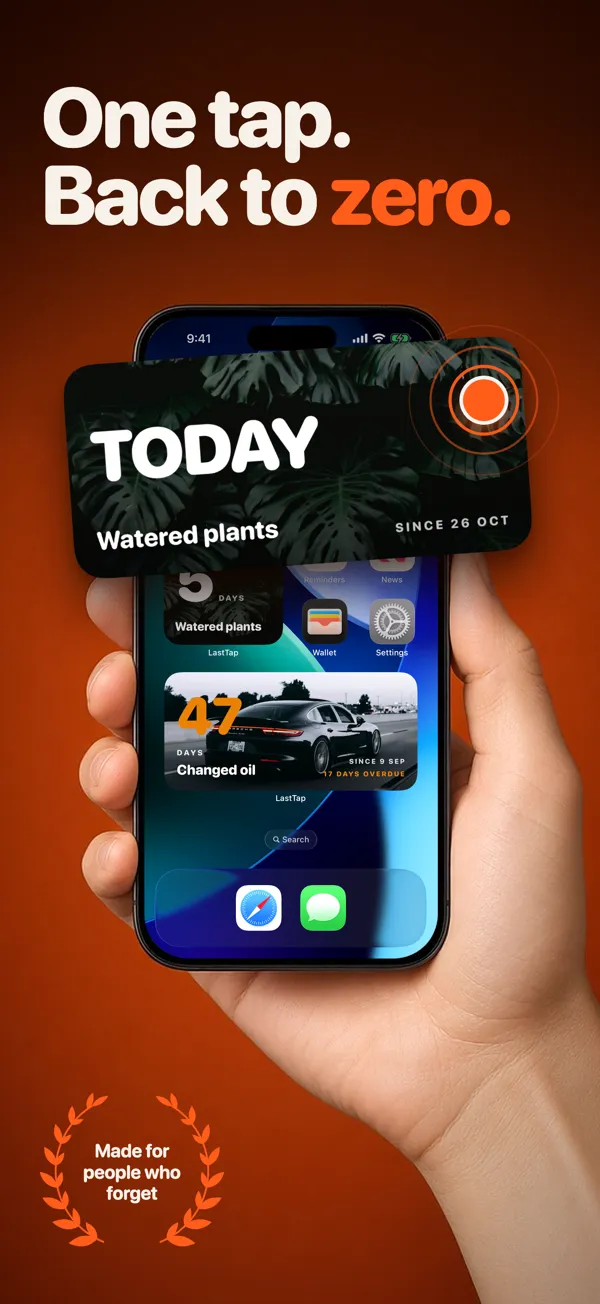
Which LastTap widget to pick
| Widget | Where | Shows |
|---|---|---|
| Counter | Home Screen, small | One event. Tap to reset. |
| Counter · wide | Home Screen, medium | One event, bigger. Tap to reset. |
| Counter | Lock Screen, round | The day count. |
| Counter + Name | Lock Screen, rectangular | One event with its name. |
For a Home Screen widget, touch and hold it and choose which event it shows. Add one widget per thing you count, or stack them: drag one widget onto another, up to 10 in a stack, Apple says.
Add it to your Lock Screen
- Touch and hold the Lock Screen until Customise appears, then tap it.
- Tap Add Widgets.
- Tap or drag LastTap's Counter or Counter + Name widget onto the Lock Screen.
- Swipe down from the widgets list, then tap Done.
How tap-to-reset works
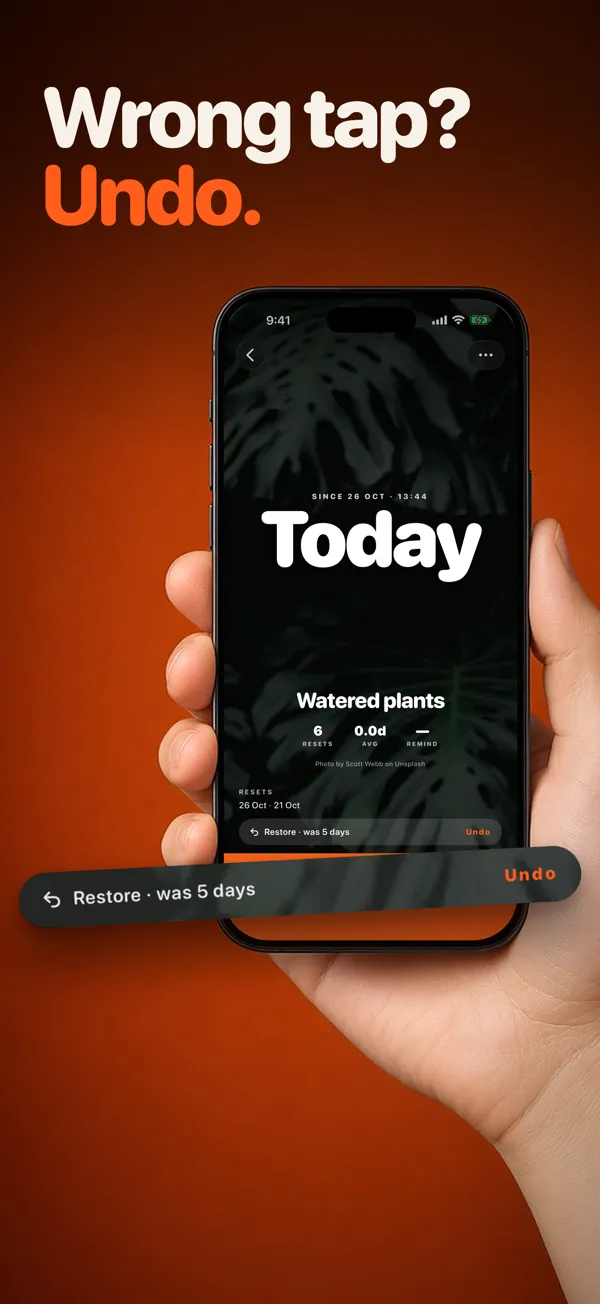
When you do the thing again, tap the Home Screen widget. The counter goes back to zero without the app opening. Tapped by mistake? Open the event and the Restore pill puts the old count back. You can also ask for a reminder after a week, two weeks or a month; the card and widget then show Overdue until you reset.
What it costs
We make LastTap. Three events are free forever, with every widget, reminders, undo and iCloud sync. One payment, £3.99 in the UK, adds more events. No subscription. Needs iOS 17 or later. Just want to check one date now? Use the days since counter in your browser.
Questions people ask
How do I put a day counter on my iPhone Home Screen?
Install an app with a counter widget and add an event. Then touch and hold the Home Screen, tap Edit, Add Widget, pick the app and a size, tap Add Widget and Done.
Can I have a days since counter on the Lock Screen?
Yes. Touch and hold the Lock Screen, tap Customise, then Add Widgets and pick the app's widget. LastTap has a round Counter and a rectangular Counter + Name.
How do I reset a LastTap widget?
Tap the Home Screen widget when you do the thing again. The count resets without opening the app. If you tapped by mistake, the Restore pill in the event undoes it.
Is the LastTap widget free?
Yes. Every widget is free, with up to three events. A one-time purchase adds more events.
Sources: Apple, How to add and edit widgets on your iPhone (checked 29 October 2026). LastTap widget names and behaviour from the app.