Days since last incident counter
 LastTap Team
The people who make LastTap
Short answer
Type what you're counting, set the date it last happened, and the sign shows the days since. Hit Reset to today when it happens again. Print it for the wall or the fridge, or share the link: it keeps counting for anyone who opens it.
The page address updates as you type, so bookmark it or send it to keep this exact counter.
What people put on the sign
- Work: days since the last incident, the last outage, the last missed deadline, the last "reply all".
- Home: days since someone left the milk out, since the cat was sick on the rug, since the last argument about the dishwasher.
- Good streaks: days since the last takeaway, the last cigarette, the last late night.
Using it for real safety records
A sign is a reminder, not a record. If you track workplace incidents for an employer or a regulator, keep the official log they ask for and use the sign only as the display. The count here is calendar days in your device's time zone, counting from the day after the date you set.
Counting several things at once
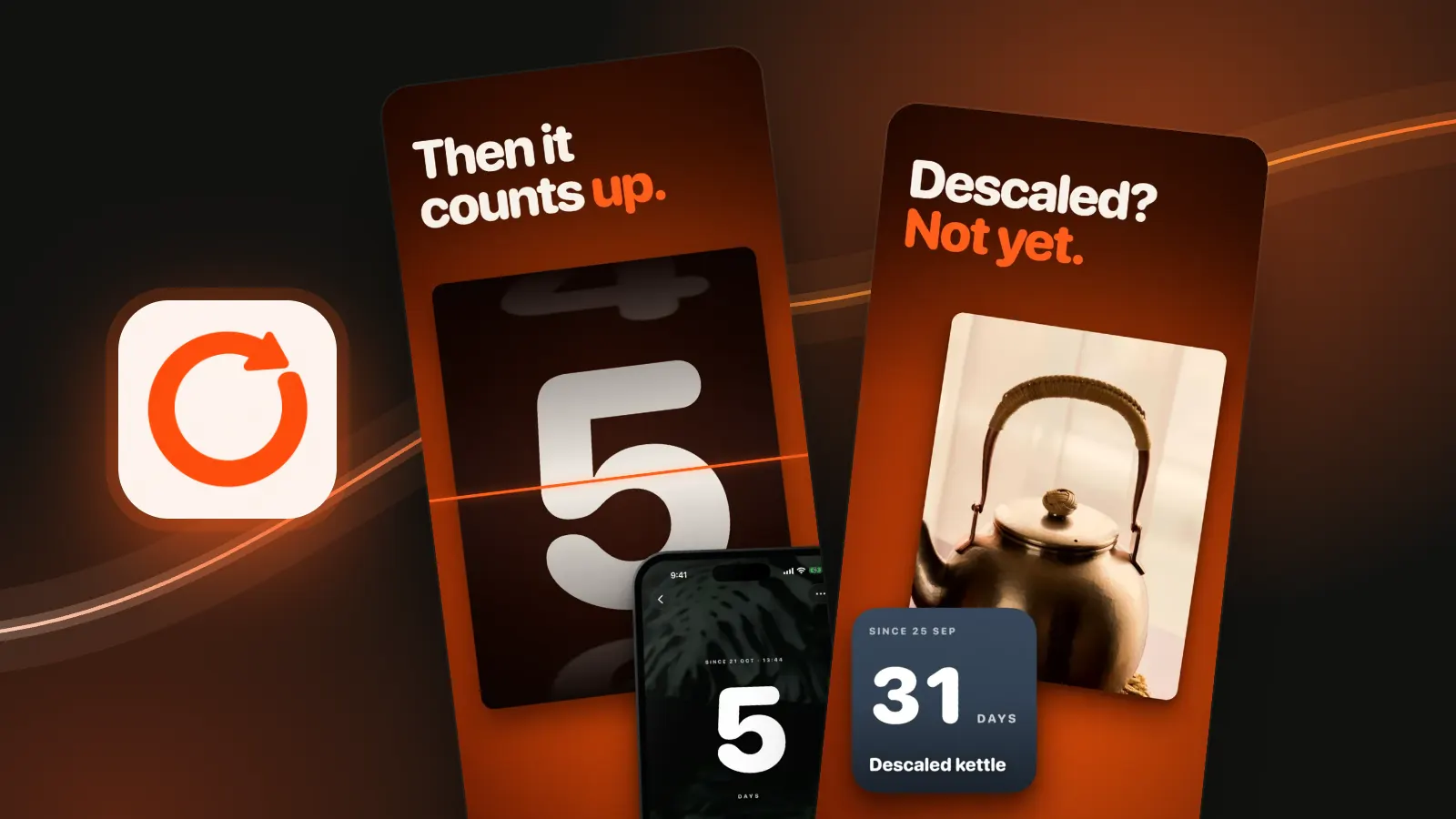
One sign per link. For a handful of personal counters that live on your phone and reset with a tap, that's what LastTap does: each event gets its own Home Screen widget, the count goes back to zero when you tap it, and a tap by mistake can be undone. We make it, so weigh that. Three events are free. For one-off dates, the days since counter shows weeks, months and years too.
Questions people ask
How do I make a days since last incident sign?
Type the label, set the date it last happened and press Print the sign. It prints a single black-on-white page with the number, the label and the date.
Does the online counter keep counting?
Yes. It works the count out from the date each time the page opens, so a bookmarked or shared link always shows today's number.
How do I reset the counter?
Press "It happened again: reset to today". The date becomes today and the count goes to 0. Bookmark or share the new address to keep it.