A chore app for ADHD adults.
 LastTap Team
The people who make LastTap
Short answer
If to-do apps work for a week and then vanish into a folder, try one that never shows you a list of missed tasks. LastTap puts the days since each chore on your Home Screen and logs with one tap, no app to open. It is not an ADHD app in any medical sense and treats nothing. If you need help planning your day, a visual planner like Tiimo is the better fit.

In this post
What LastTap is, and what it isn't
LastTap wasn't designed with clinicians and doesn't claim to help with ADHD. It's a small, plain counter. We wrote this page because "chore app for ADHD adults" is what a lot of people search for, and some of what makes LastTap simple may suit you. Or it may not.
Why a days-since count can work better than a to-do list
A to-do app with due dates turns every missed day into a red badge. After a bad week the app is a wall of overdue tasks, and the easiest thing is to stop opening it.
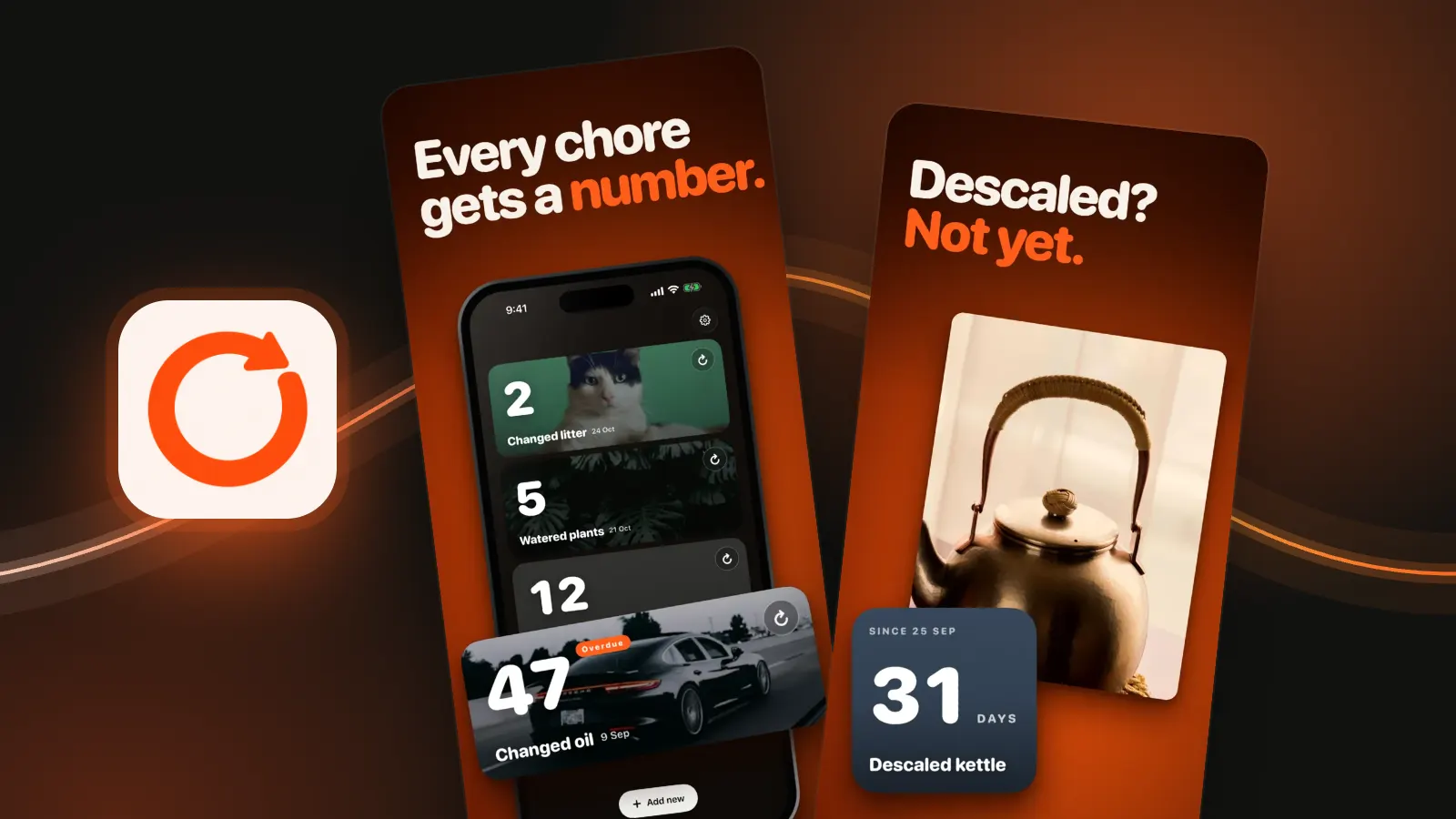
A days-since counter has nothing to fall behind on. It shows 12 days since you changed the sheets. That's information, not a judgement. You decide what to do with it.
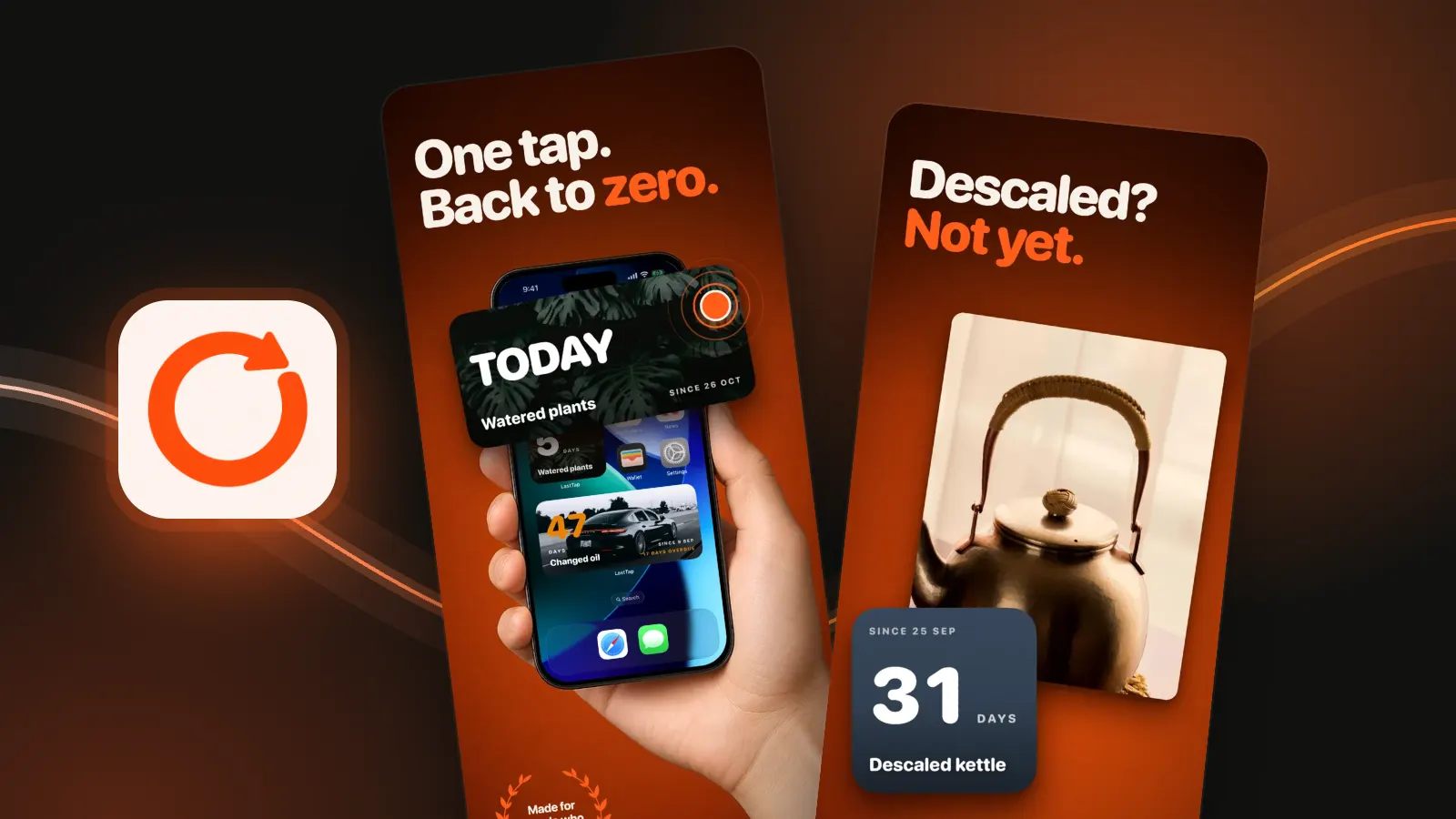
- It's where you already look. The count sits on your Home Screen, so you see it without remembering to check.
- Logging is one tap. Tap the widget when you're done. No app to open, no form to fill.
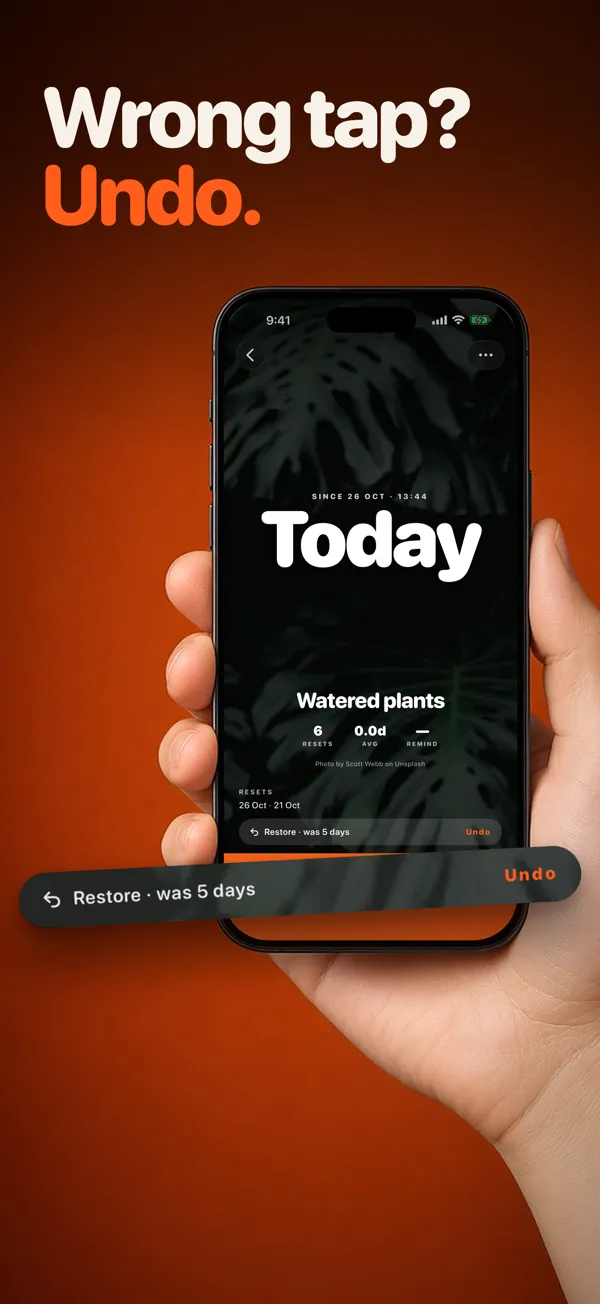
- Mistakes are cheap. Tapped the wrong one? The Restore pill puts the old count back.
- Photos instead of words. Give each chore your own photo or a free Unsplash one, so you know which widget is which at a glance.

Set it up so it sticks
- Start with three chores, the ones you most often lose track of. Three are free forever, and three is about right anyway.
- Put each widget where your thumb already goes: the first Home Screen page, or the Lock Screen.
- Skip reminders at first. Add one later, only for a chore that slips.
- Tap right after the chore, while you're still standing there. Later rarely happens.
The reminder doesn't nag
Reminders are off unless you choose one: after a week, two weeks or a month. It sends one notification and doesn't repeat. After that the chore shows Overdue until you reset it. That's all.
What it won't do
- No daily plan, routines, timers or rewards.
- No custom intervals. Reminders are a week, two weeks or a month.
- No shared lists with a partner on another Apple ID.
- No Android.
- It's not a substitute for support or treatment.
Other apps people with ADHD mention
From their UK App Store listings, 28 October 2026:
 Tiimo is a visual daily planner with an AI co-planner, timers and routines. Its listing calls it neurodivergent-friendly and lists it as iPhone App of the Year 2025. It plans your day; LastTap doesn't.
 Wheneri is a last time tracker whose listing says its low-pressure approach can suit people with ADHD. It shows days until next due as well as days since. Widgets are in its paid Pro tier.
Questions people ask
Is LastTap made for ADHD?
No. LastTap is a general last time tracker, not a medical or ADHD app, and it wasn't designed with clinicians. It may suit you if you lose track of time, because the count sits on your Home Screen and logging is one tap.
Is there a free chore app for ADHD adults?
LastTap is free to download and three chores are free forever, with widgets, the reminder and undo included. One payment adds more chores. No subscription, no ads.
Will LastTap keep nagging me?
No. Reminders are optional. If you set one, LastTap sends a single notification after a week, two weeks or a month, then the chore shows Overdue until you reset it. It doesn't repeat.
What if I tap the widget by accident?
Open the chore in LastTap. The Restore pill shows what the count was before the last reset, and one tap puts it back.
Sources, checked 28 October 2026: UK App Store listings for LastTap, Tiimo and Wheneri. LastTap reminder behaviour from the app itself.